ChatGPT Can Actually Stay On-Brand Now
Set up one free skill. Get on-brand badges from ChatGPT every time.
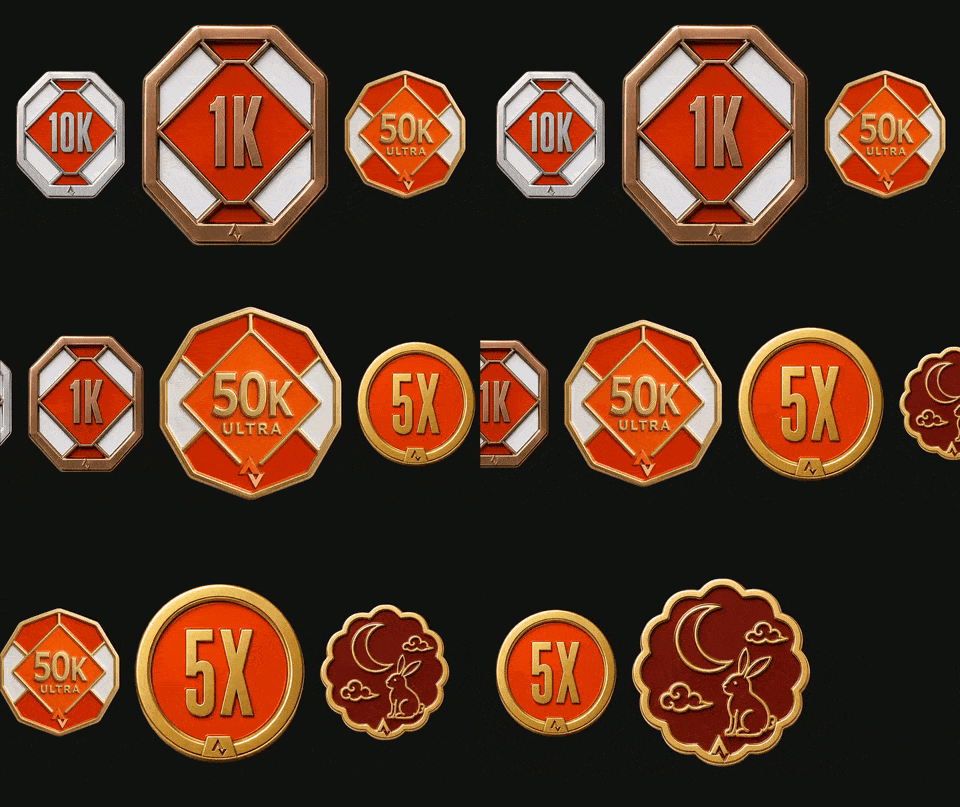 The result
Same prompt, different style every time.
Done this kind of thing before? Trying it yourself.
Try it yourself
Make one on-brand badge, your way
Here's the goal and the kit. Hand it to ChatGPT or any AI and work it out. The steps below open on a hint if you get stuck.
- The goal
- A badge in your three brand colours, with your real logo, from a one-line prompt.
- Time
- About 5 minutes if it goes well
Here's an illustration skill: SKILL.md, prompt-library.md and three reference images. Set it up in a ChatGPT Project for my brand. My colours are primary #______, accents #______ and #______. Then tell me exactly what to type to make a "50K Ultra" badge.
Check your result
- Same metal, enamel and lighting as the reference badges
- Your three colours, not ChatGPT's
- Your real logo, not an invented one
Step 1
Grab the three files
Everything the skill needs sits in one folder of a free GitHub repo.
Step 2
Add your brand colors
Open the instructions file, swap in your primary and two accent hex codes, and paste it into your ChatGPT Project's instructions.
Already fits ChatGPT's 8,000-character limit. Only trim if you add your own rules.
Step 3
Keep memory to this project
Two settings in your Project. Then you're ready to prompt.
Memory
Other chats can't see it
Sources 4 of 5
Your logo goes in each message, not here
The free plan allows 5 files in Sources, so this fits with one to spare.
Step 4
Attach the logo to every message
Never put your logo in Sources. ChatGPT often ignores Source images when it renders and invents a logo instead.
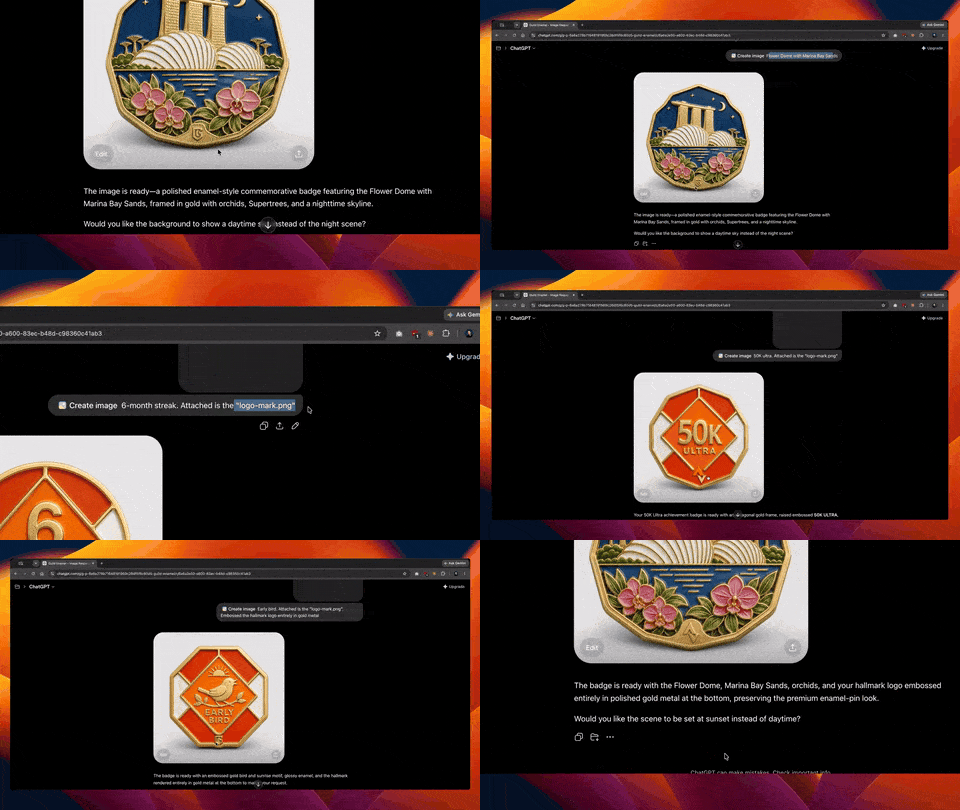
Step 5
Generate with one line
Start a new chat inside the Project, attach your logo and type what you want. Build your line below.
Step 6
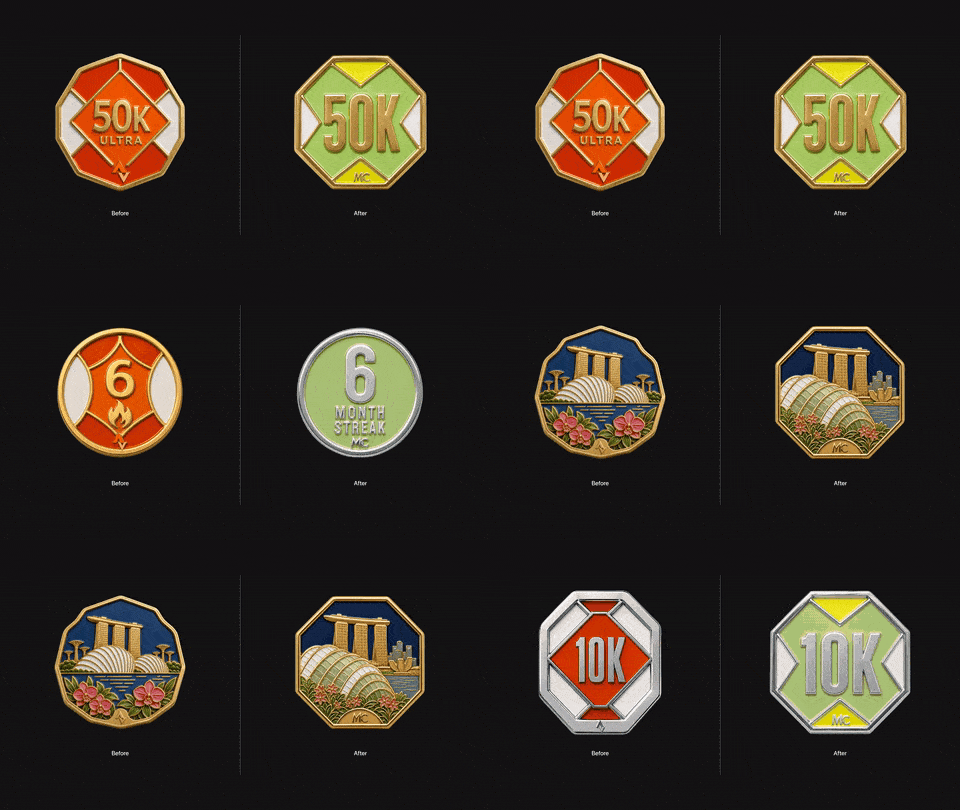
Reskin it for another brand
Swap the three hex codes and the logo, paste the instructions back in, and the same system draws a different brand in under a minute.
Gut check
Where should your logo go so it shows up in the image?
ChatGPT doesn't reliably use Source images when it renders. Rules written as text hold. Anything that only exists as a picture needs to be attached.
Honest verdict
When to use it, and when not to
- Use it for
- A consistent family of on-brand badges that anyone on the team can generate from a ChatGPT account.
- Skip it for
- Republishing the example images in the repo. They aren't covered by the MIT license.
- Careful with
- The 8,000-character limit on instructions. Trim something before you add new rules.
Take it to work
Your Monday checklist
On your laptop 0 of 5 done
“Email this to myself” opens your own email app with a link back to this cheat sheet. Nothing is sent from this site.
Workflow done.
No streaks and no guilt. Come back whenever you have ten minutes.