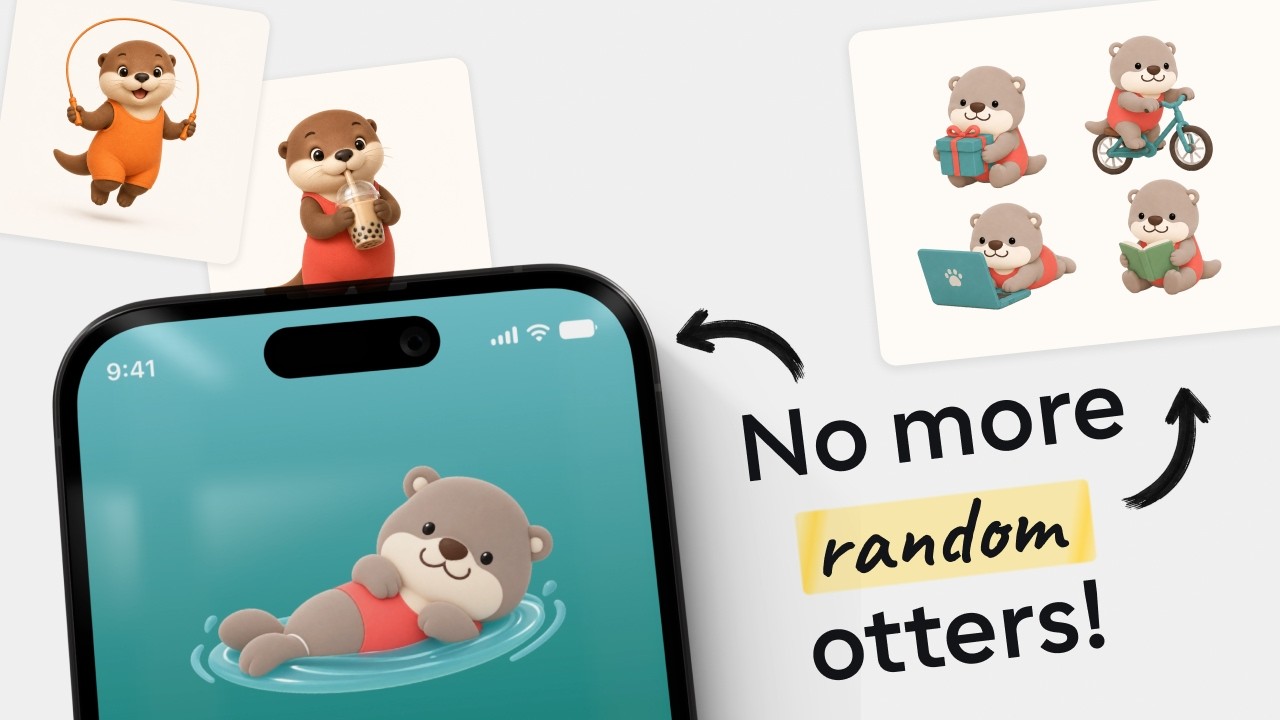

👋 TL;DR for Founders & Team Leads
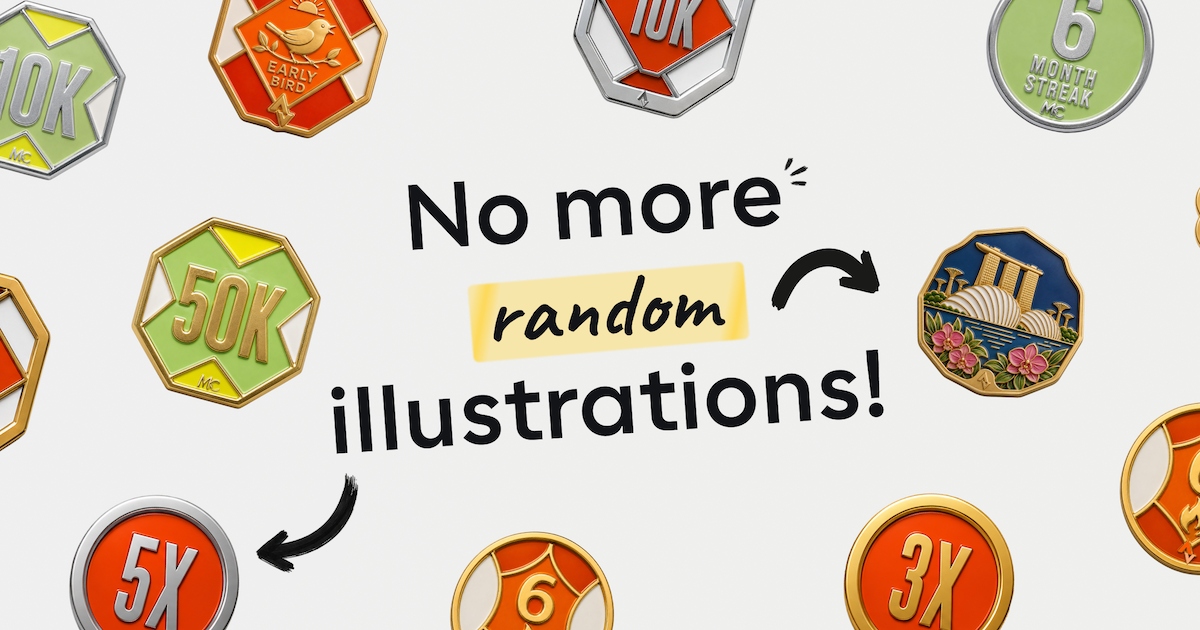
Hey friends, Chip here. Quick update — after Guild Enamel, the first illustration skill I open-sourced, I’ve added two more to the same GitHub repo: Premium 3D Claymorphism, for on-brand product icons, and Soft 3D Otter, for one fixed character doing literally anything you describe. Same pattern as before — paste a few files into a ChatGPT Project, and your whole team can generate consistent illustrations without touching design software.
Premium 3D Claymorphism
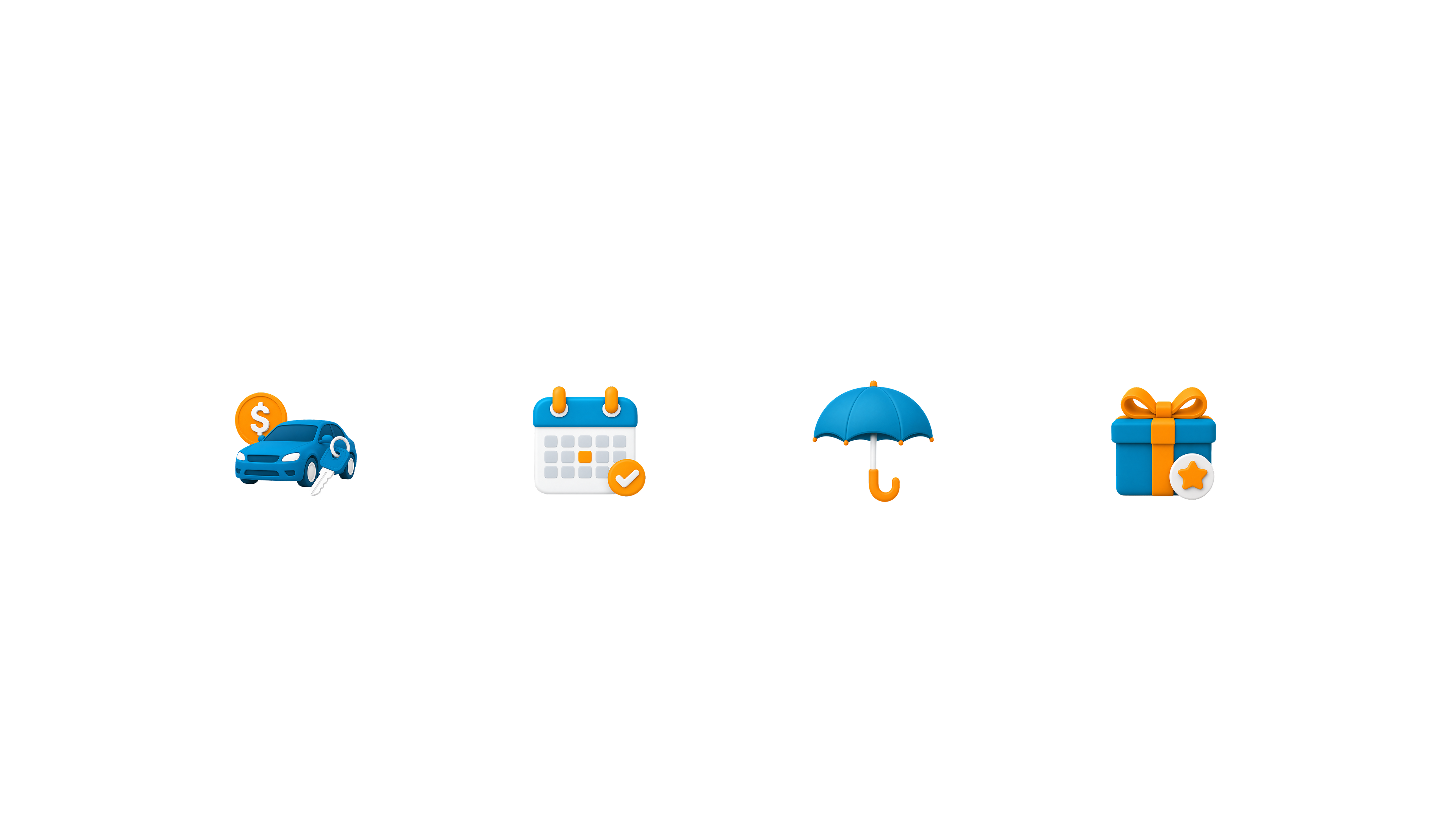
I used Carro — a car buying and selling marketplace — as my case study (a real company, used here for demonstration purposes only, not affiliated with or endorsing this project). Say a design team is refreshing their brand and wants a fresh icon set across the app. Normally that’s designer-only work. I wanted to prove there’s a faster way — one where the PMs and marketers on that same team can generate on-brand icons too, not just the designers.
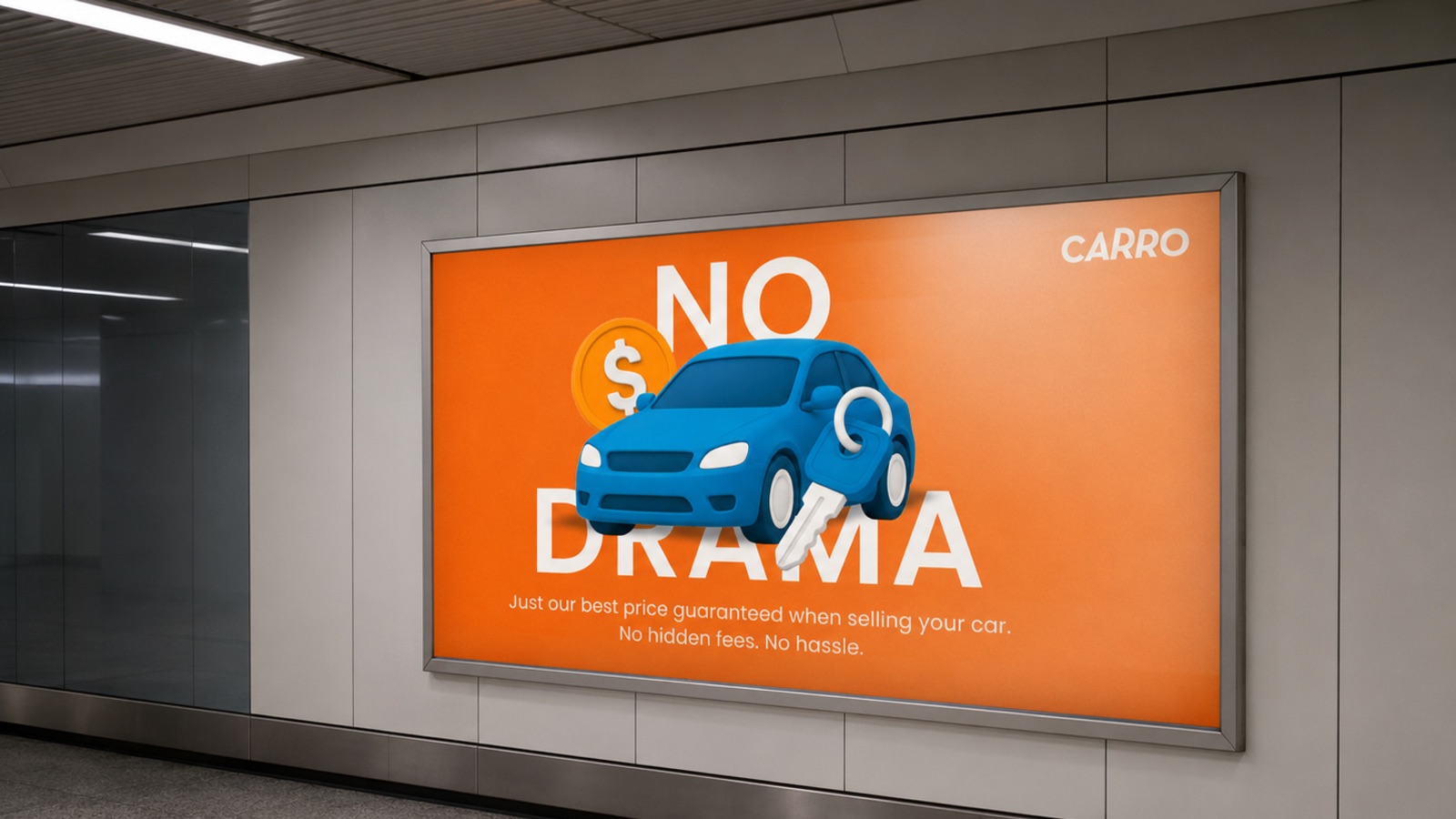
Download the folder from GitHub and you’ll find three things: SKILL.md, prompt-library.md, and a references folder. SKILL.md goes into the Project’s Instructions — that’s the brain. It locks in the claymorphism style so you never have to describe it again: rounded geometry, soft matte material, studio lighting, composition, all of it. prompt-library.md spells out that same visual language in more depth, and it goes into Sources along with the reference images.
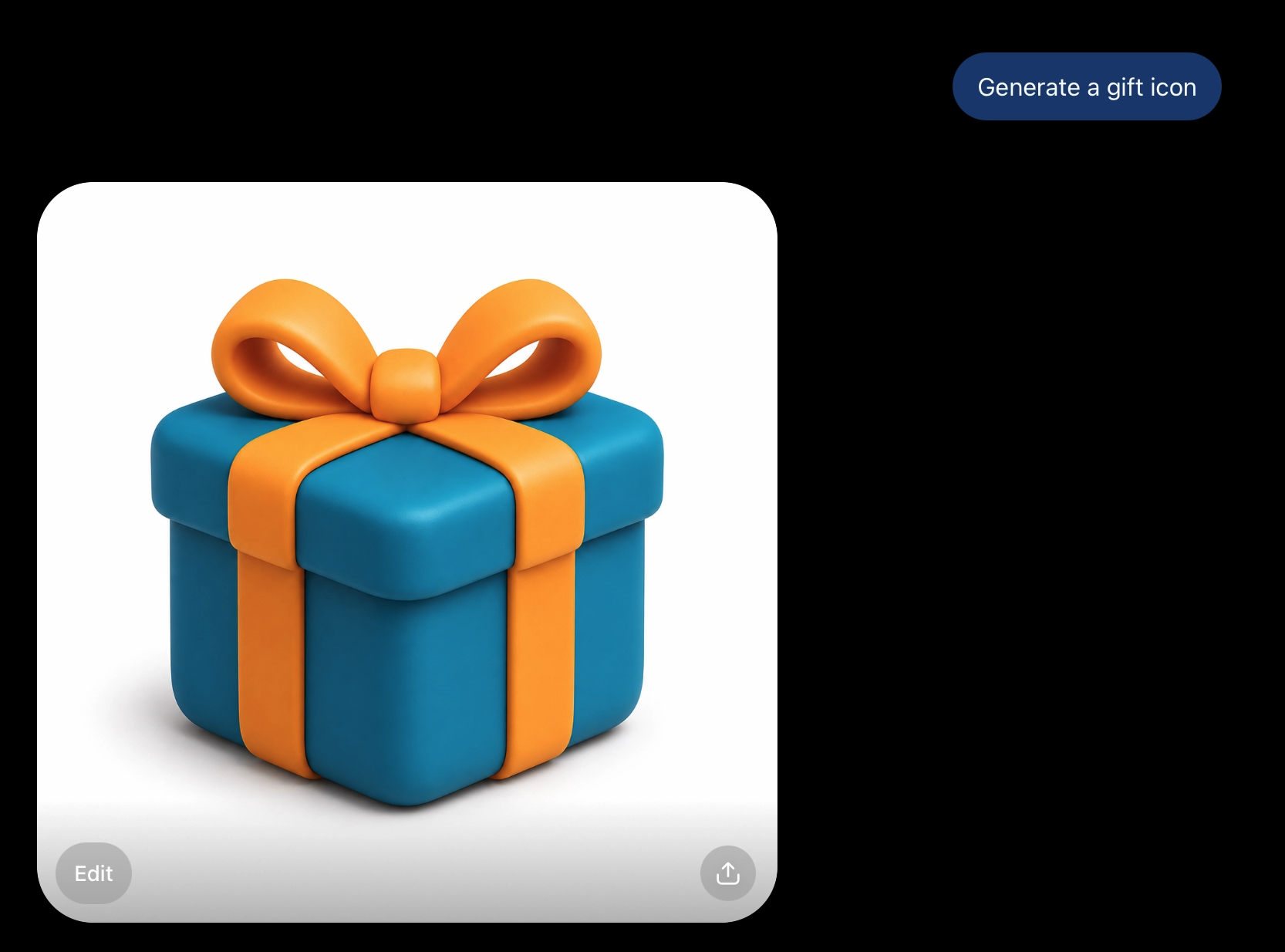
Here’s the default behavior. I typed “generate a gift icon” — nothing else — and got this: teal and orange, the two default brand colors baked straight into the instructions.
Reskinning to a New Brand
But you can override those colors too. I typed “Generate a Sell car icon” plus a primary and accent hex code, and it picked up both correctly — maroon on the body, orange on the price tag.
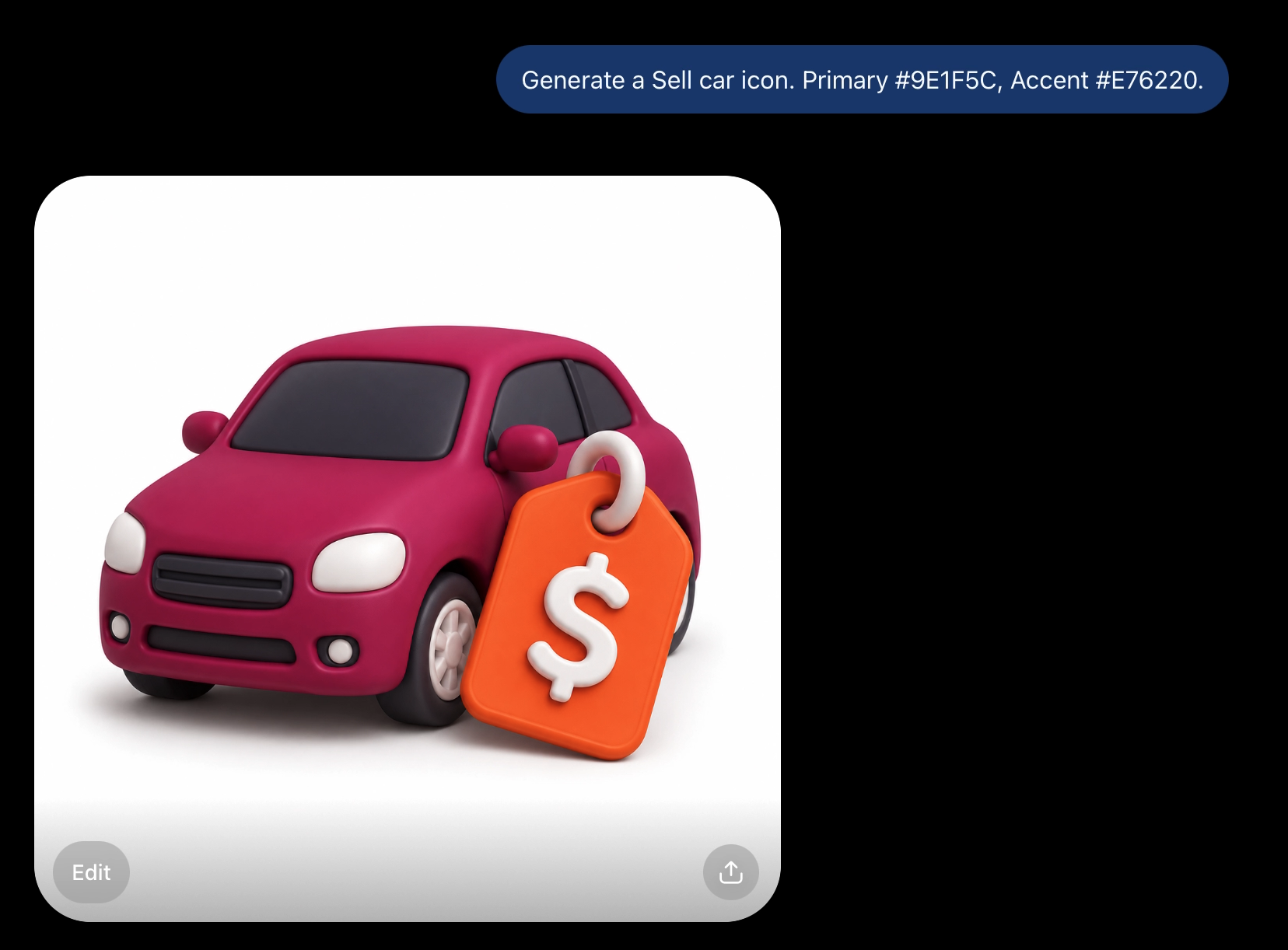
Same material, same lighting, same style — just a different subject and a different palette, both handled in one line of the prompt. One instructions file, infinite subjects, and your brand colors travel with it automatically.
Soft 3D Otter
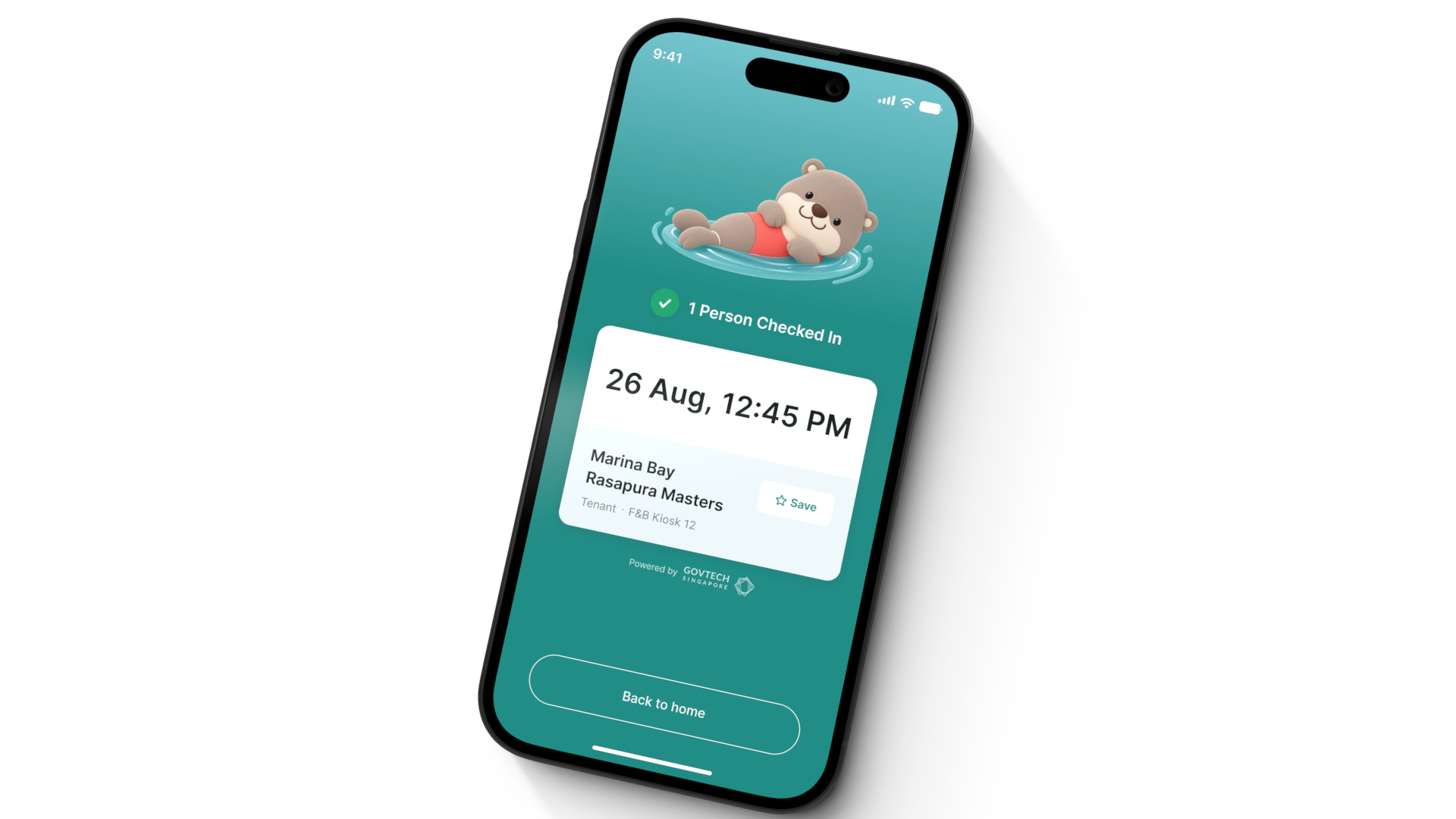
Now, the one I’m most excited about. If you’re in Singapore, you probably remember this swimming otter from the TraceTogether app during COVID (referenced here for inspiration only — not affiliated with or endorsed by GovTech Singapore). Small-world moment for me — I actually got to see the real smooth-coated otters on the Singapore River, and that’s what pushed me to build this as the third skill in the repo. Original TraceTogether otter design credit: Joycelyn Chua.
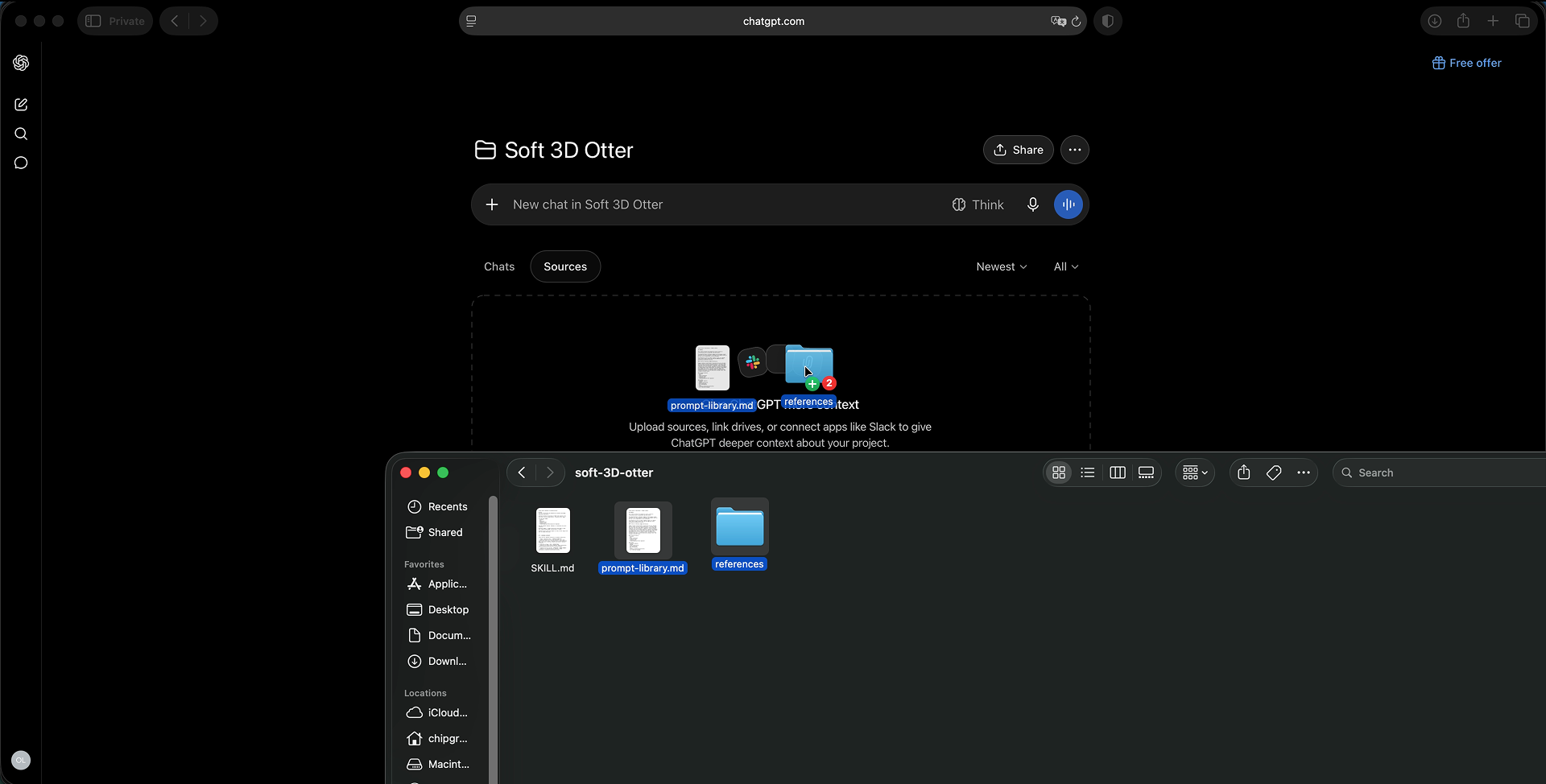
Setup follows the same pattern as before: SKILL.md into Instructions, prompt-library.md and the four reference images into Sources.
The Fix for Character Drift
Here’s the honest part — the thing I got wrong first. I asked for “an otter jumping rope wearing orange,” relying only on the reference images sitting in Sources, and got a completely different-looking otter back. Tried again with a different prompt, same problem — a different otter’s face and proportions every time.
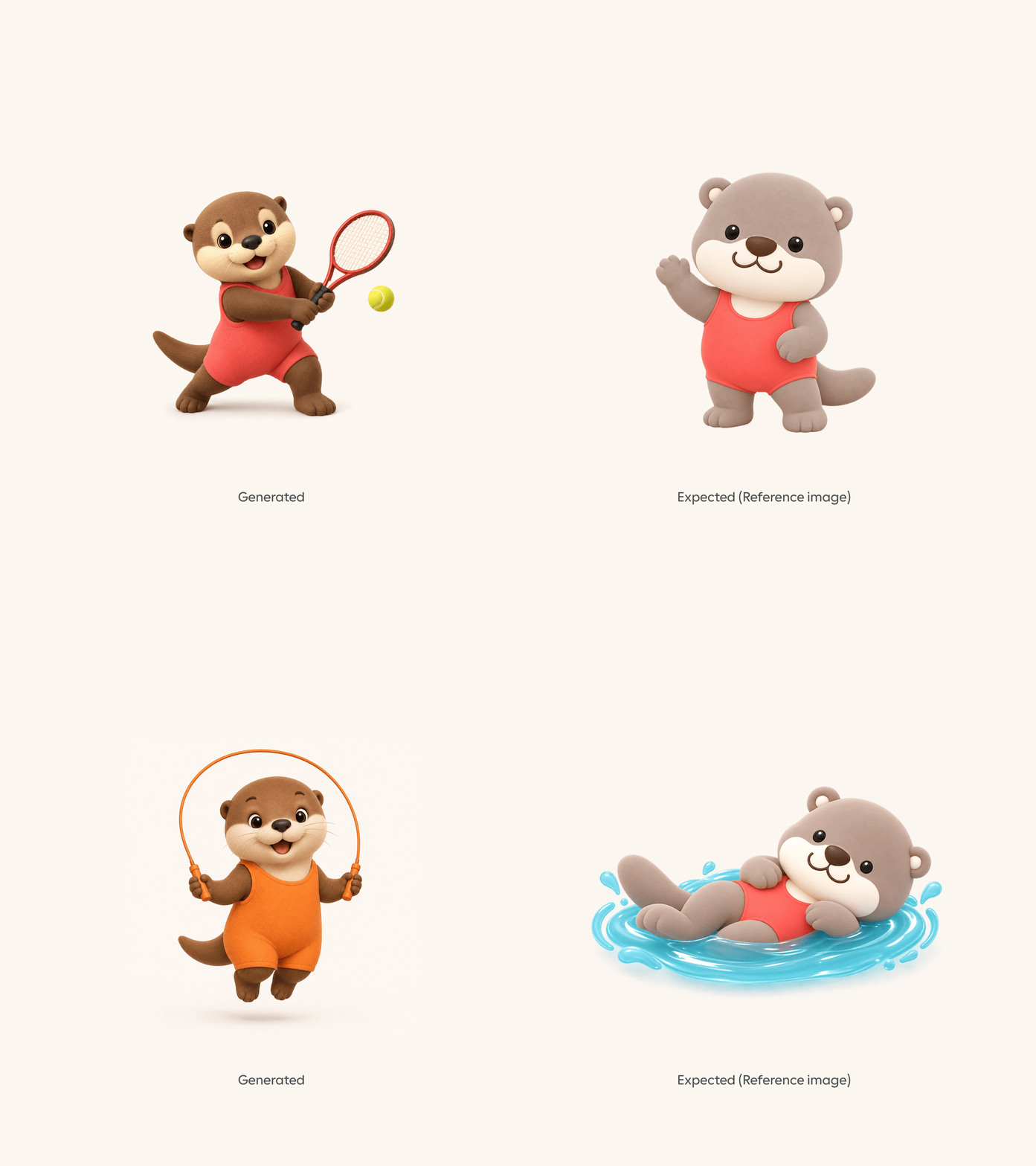
This is the exact same failure I hit with the logo in Guild Enamel: ChatGPT doesn’t reliably pull images from a Project’s Sources tab when it’s actually generating. It knows the file exists — it just doesn’t reliably use it.
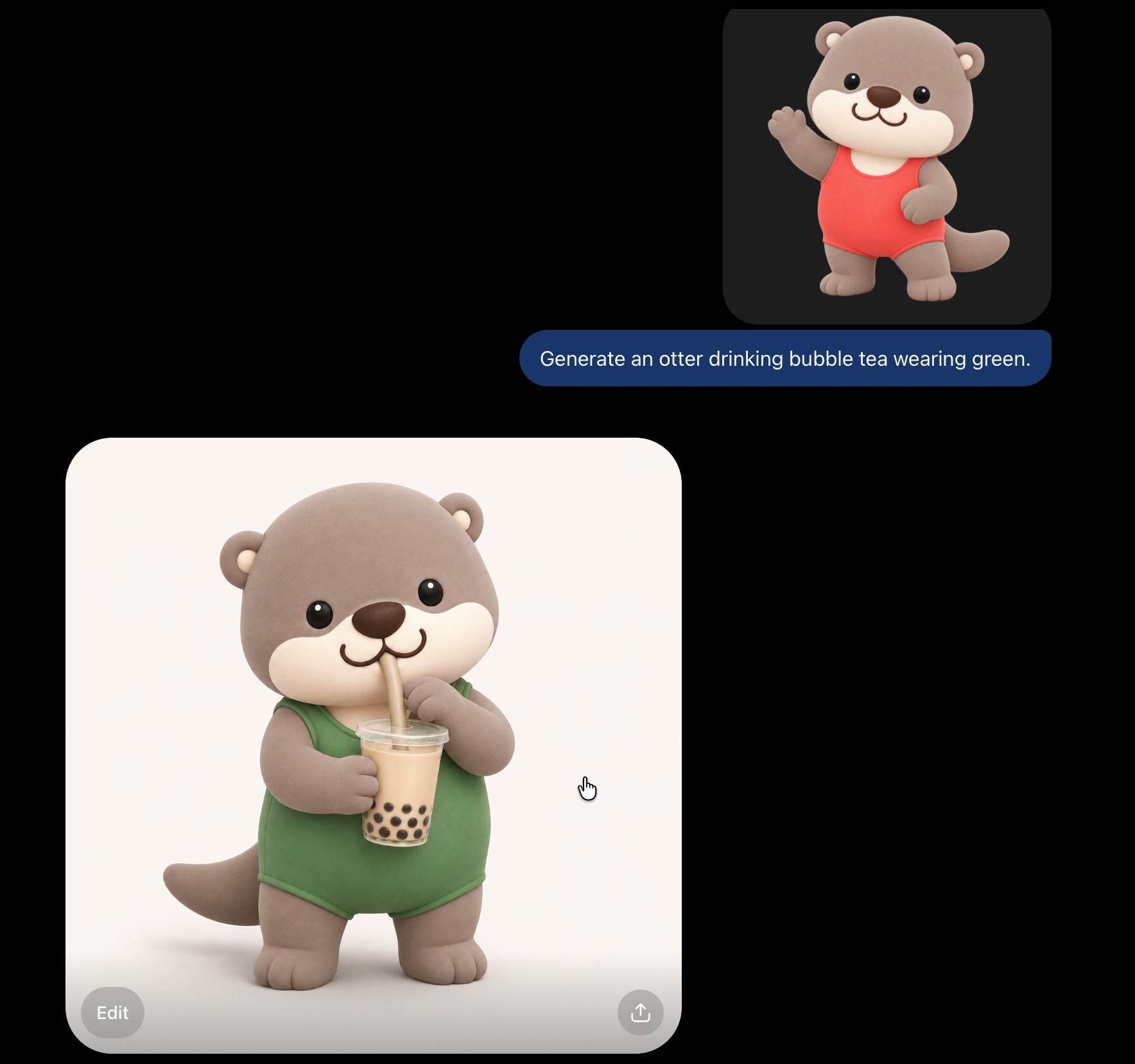
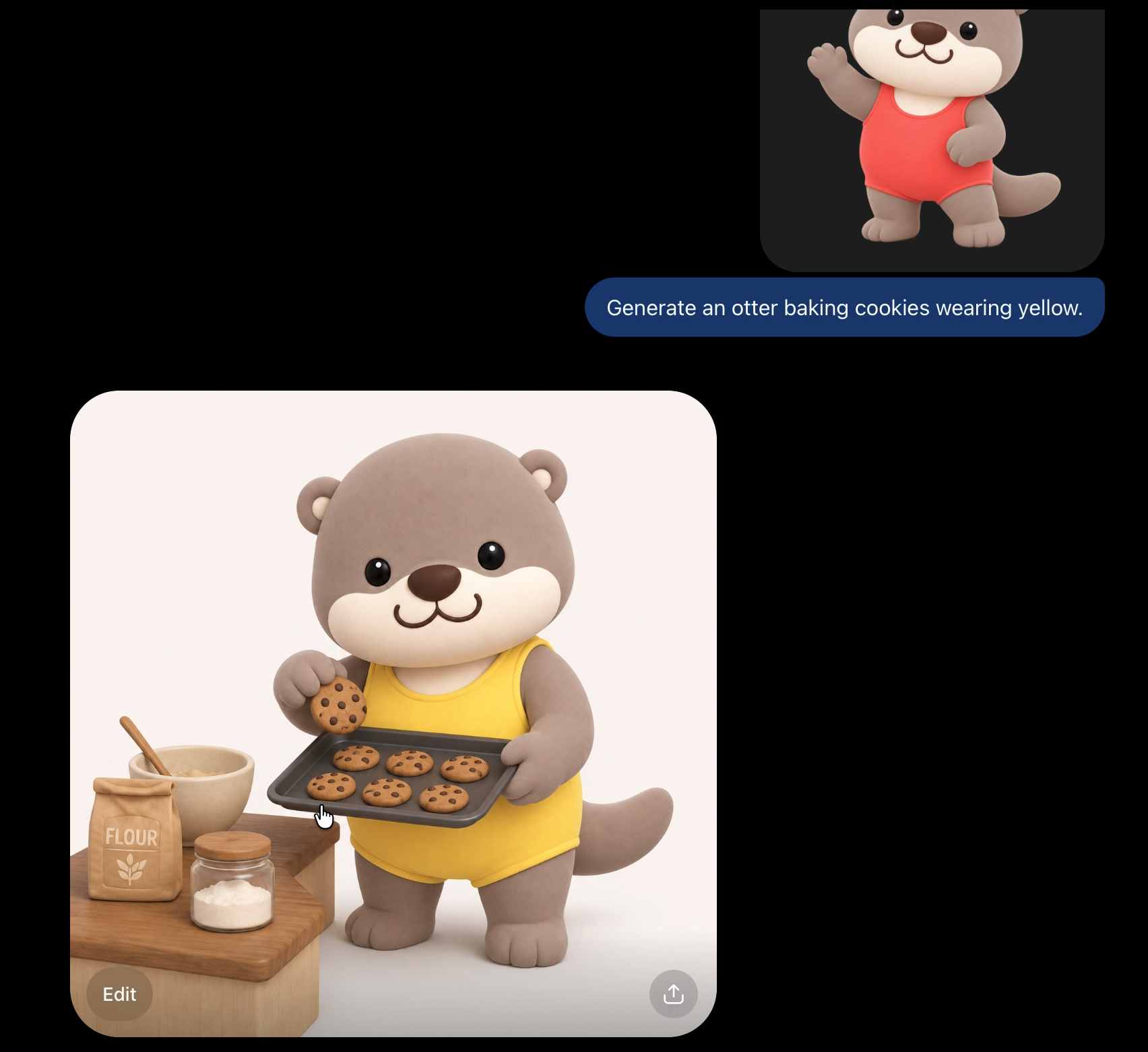
The fix is the same one, too: attach the hero reference image directly to the message, every single time you generate — even though it’s already sitting in Sources. Same exact prompt as before, but with the reference attached, and this time it locked in immediately. Same character.
Once that’s locked, you can push it further. Different activities, different clothing colors — and it’s still, unmistakably, the same otter every time.
So that’s two new illustration skills, both free, both open-source, both live on GitHub right now: github.com/madebychip/madebychip-illustration-skills. It’s genuinely possible to lock in an illustration style once, with a designer’s input, and hand that consistency to your whole team — not just the people who can open a design tool.
What this changes about your design workflow
One instructions file reskins to any brand, mid-promptAdd a primary and accent hex code to the prompt and the icon comes back on that palette — same material, same lighting, same construction. No new instructions file needed.
A second skill confirms the fix generalizesThe Sources-tab problem from Guild Enamel showed up again here, on a completely different skill. Attaching the reference directly to the message fixed it again — this isn't a one-off quirk, it's how ChatGPT actually behaves.
One character survives completely different scenesJump rope, bubble tea, baking cookies — different activity, different clothing color, every time. Face and proportions stayed identical once the reference was attached correctly.
ChatGPT still won't reliably read images from SourcesIt knows the file is in the Project. It doesn't reliably use it when rendering. Confirmed twice now, on two unrelated skills — treat this as a standing limitation, not a bug that'll get patched under you.
The reference has to be reattached every single generationThis isn't a one-time setup fix. It's an ongoing habit — attach the hero image to the message each time you generate, forever, not just the first time.
Frequently asked questions
The instructions file locks the geometry, material, and lighting rules, but reads color as a variable. Add a primary and accent hex code to your prompt and ChatGPT applies them directly — same icon system, different brand, one prompt.
The reference image was sitting in the ChatGPT Project's Sources tab, not attached to the message. ChatGPT doesn't reliably pull Sources images into the generation itself — it knows the file exists but often doesn't use it, so it invents a different-looking character instead.
Yes. This is a standing habit, not a one-time setup step. Attach the hero reference image directly to the chat message on every single generation, even though it's already sitting in Sources.
No. Carro (the car marketplace used as the Claymorphism case study) and TraceTogether (Singapore's GovTech contact-tracing app that inspired the otter character) are both real products referenced here for educational and demonstration purposes only — neither is affiliated with or endorses this project. Original TraceTogether otter design credit: Joycelyn Chua.
Workflow version: August 26, 2026. Second installment in the open-source illustration skills series — the repo now holds three skills (Guild Enamel, Premium 3D Claymorphism, Soft 3D Otter). This log reflects the system as of this build.